
Modules
Curriculum maps
Get started 🚀
To get off to the best start, we recommend checking your school year settings, including term dates and school holidays. This ensures all dates are automatically pre-filled in your Curriculum Maps, helping you save valuable time.
If your region is already pre-configured in Teetsh 🌈, everything may already be set — you can double-check this in the School years menu.
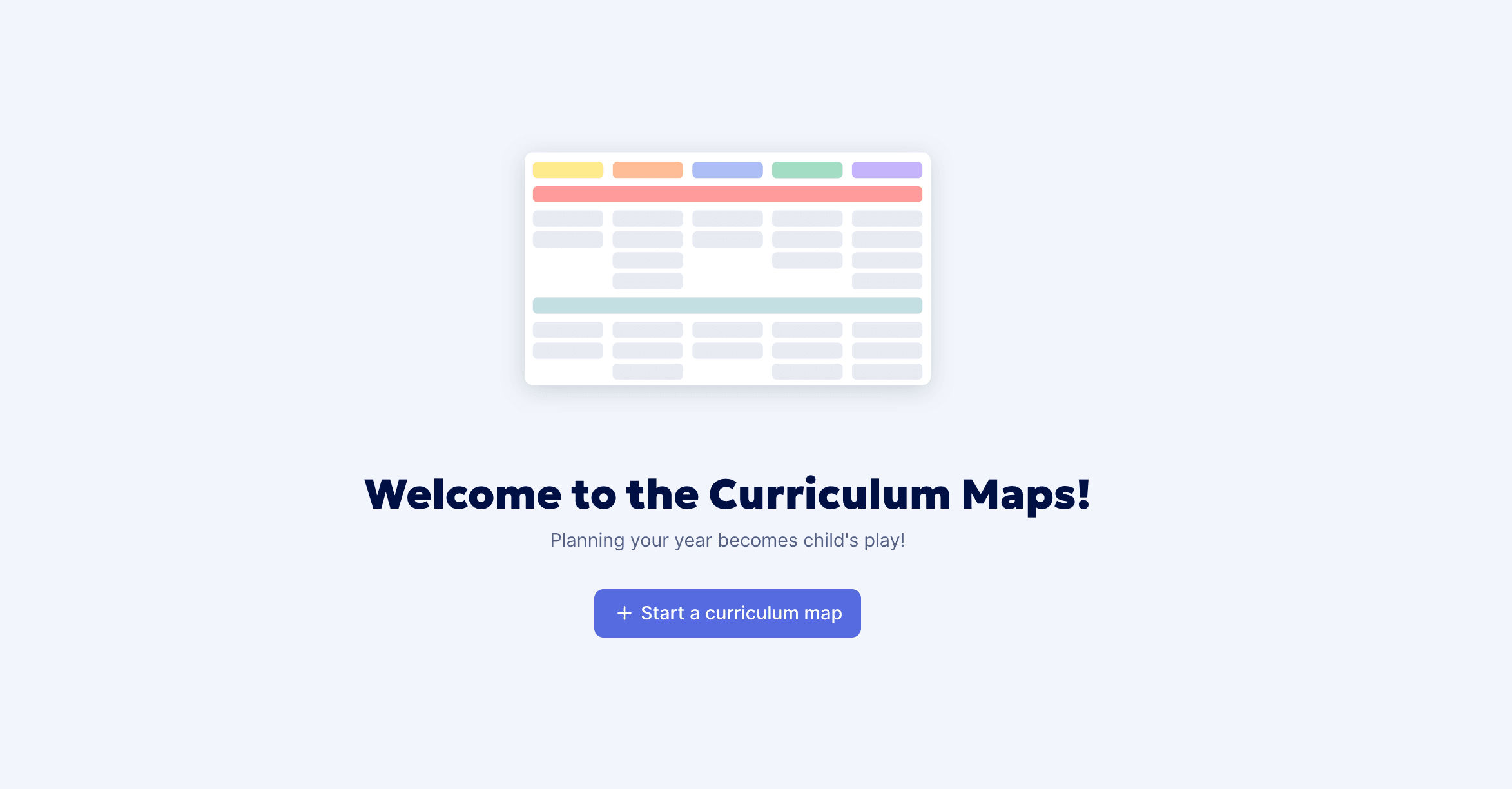
Start a new Curriculum Map
When creating a new unit or period plan or a week-by-week plan, you first select the learning stage and the subject you want to start with (you can add more later). Matching templates are then suggested — you can use them as a starting point or begin from scratch.
Your term dates are already pre-filled for the school year 💪 no need to enter them manually.
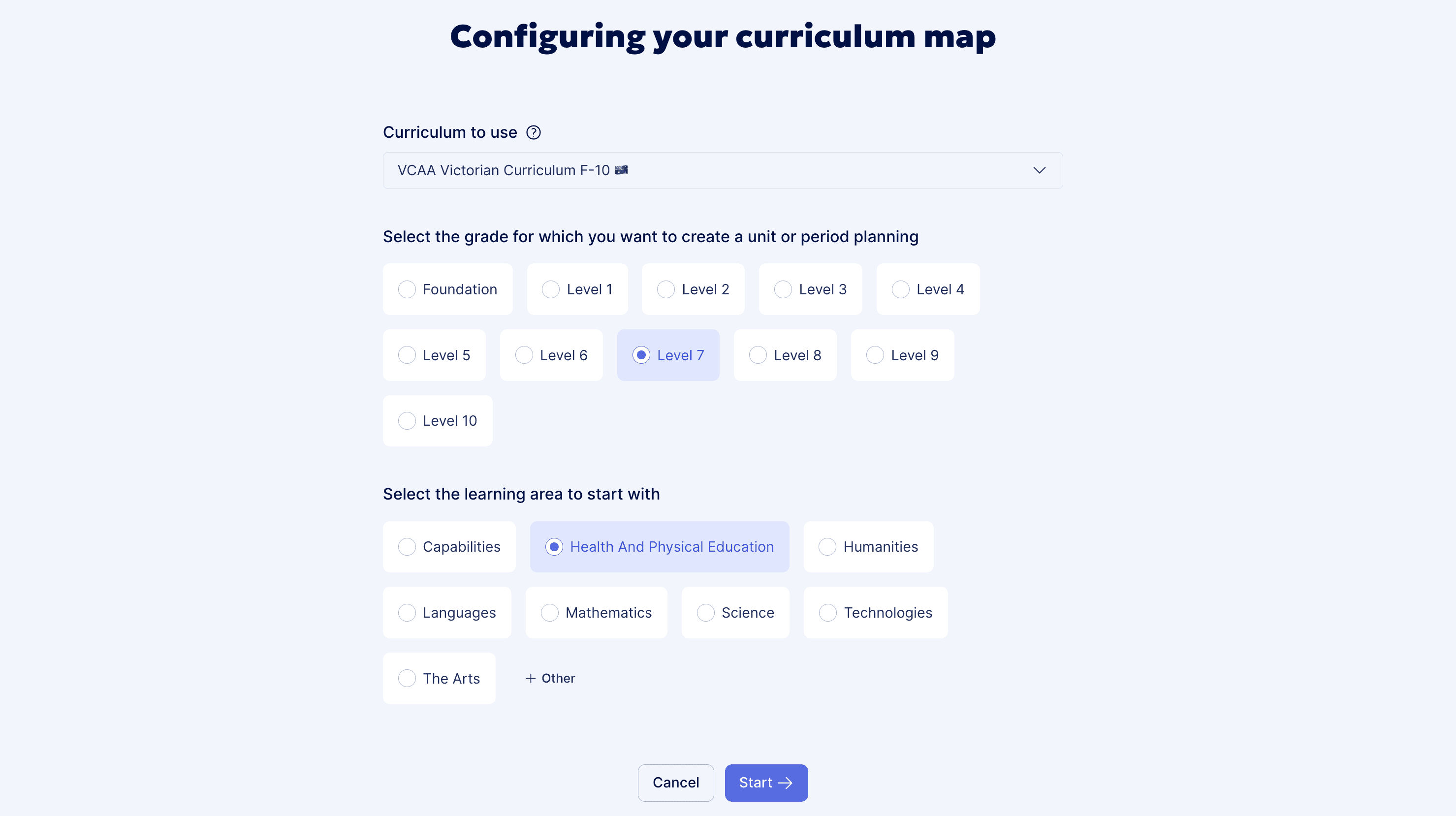
We regularly add new unit or period plans and week-by-week plans. Feel free to tell us what you’re looking for — it really helps us understand what teachers need most.
Edit a unit or period plan
Overview
You can quickly update items in your unit or period plan directly from the overview, or open them in edit mode to adjust curriculum links or attach documents or lesson plans.
Edit an item ✏️
Open the item editing panel by clicking the Edit ✏️ button. From there, you can:
• Open the curriculum outcomes and select the skills or learning objectives covered
• Attach lesson plans or sequences for quick access
• Attach supporting documents
Drag and drop
Easily move an item from one term to another, or from one learning area to another, by dragging it to the desired location.
Edit terms, learning areas and subjects
Terms, learning areas and subjects can be edited by clicking on the item, then selecting the Edit ✏️ button.
Multi-subject unit or period planning
Everything is designed to let you plan multiple subjects within a single unit or period plan. Just like when creating a plan, relevant templates are suggested to help you get started.
The multi-subject view gives you a clear overview of everything that needs to be covered throughout the school year.
Configure the view
You can choose which subject to display, or show all subjects. You can also hide specific terms or learning areas to focus on a particular part of the year or a specific area.
You can also choose to swap rows and columns from the View menu.
Track progress ✅
Item statuses let you quickly see the progress of your unit or period plan at a glance.
Share
Proud of your unit or period plan and want to share it? 👏 You should be!
Generate a shareable link and send it to your colleagues.
Want to allow others to edit your shared unit or period plan? For this, your colleagues need to have a Teetsh account. That’s why you won’t find an “Allow editing” option like in other modules.
However, when opening the shared link, your colleagues can copy the plan to their own account and make any changes they need. They can then share it back with you if needed 👍
Download as PDF and print 🖨️
Click the PDF preview button to see the final layout of your unit or period plan. At this stage, you can choose the display type and which subjects appear in your PDF.
Displaying row titles horizontally makes it easier to format the document for A4 pages and prevents titles from being split across two pages. All that’s left to do is print — responsibly 🌱